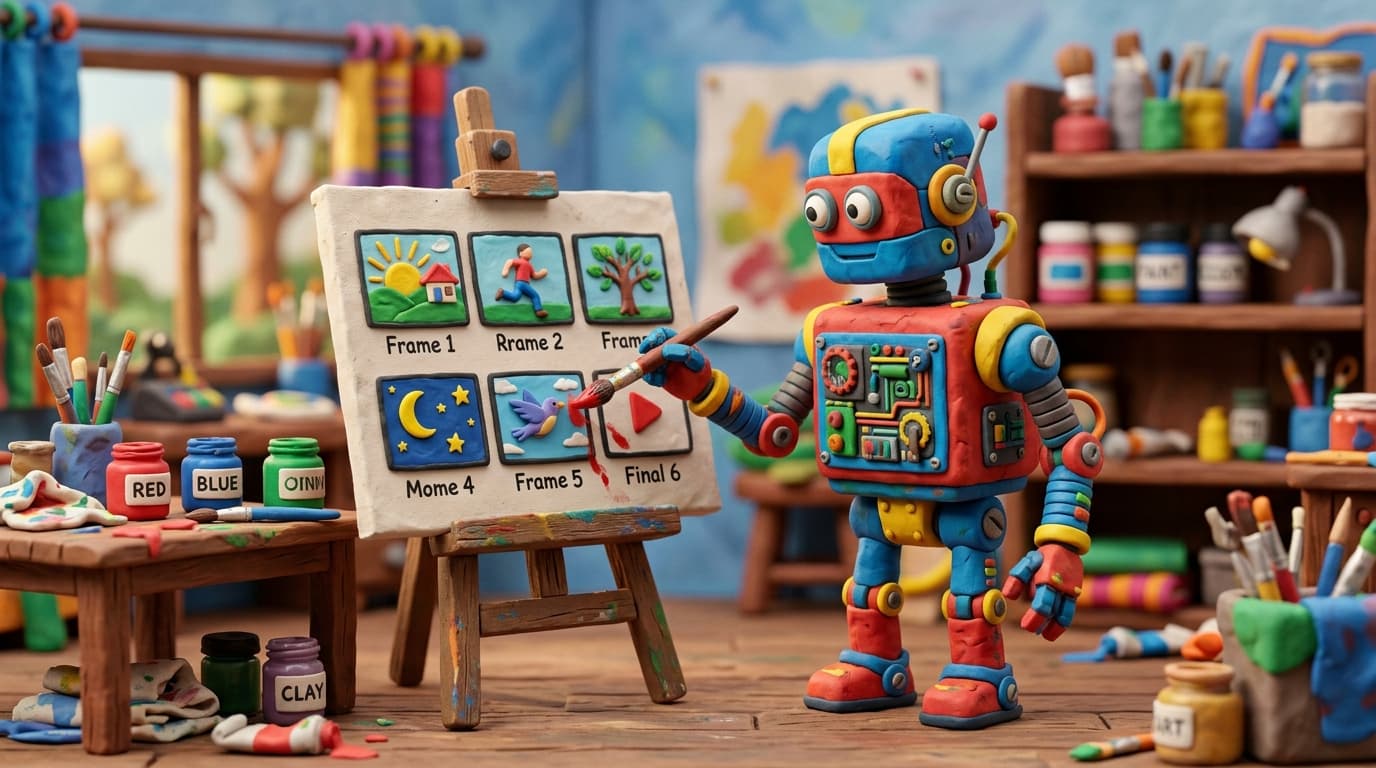
You type a paragraph describing a product launch announcement. Three minutes later, you are watching a fully produced video — scripted, illustrated, narrated, animated, and scored with background music. No camera. No editor. No voice actor. No stock footage subscription.
This is not a rough draft or a placeholder. It is a finished, broadcast-quality video ready to publish.
How does that actually work?
The technology behind modern AI video generation is a carefully orchestrated pipeline of specialized AI models, each handling a distinct stage of the production process. Individually, each model is impressive. Together, they replicate — and in some ways surpass — what used to require a full production team.
Let's walk through the pipeline, stage by stage.
Stage 1: Understanding What You Actually Want
The journey starts with your input — a text prompt, a rough script, or even just a topic description. The first AI system to engage is a large language model (LLM), similar in architecture to the models powering conversational AI assistants.
But its job here is not to chat. It is to interpret your intent and transform it into a structured production plan.
The LLM analyzes your text and generates what is essentially a screenplay: a sequence of scenes, each with a description of the visual content, the narration that should accompany it, the emotional tone, the pacing, and any on-screen text or annotations. The quality of your initial input has a direct impact on the output — learn how to craft effective inputs in our guide on writing the perfect prompt for AI video creation.
This is harder than it sounds. The model must understand not just what you wrote, but what kind of video would best communicate it. A product demo calls for a different structure than a thought leadership piece. An internal training video follows different conventions than a social media ad. The LLM draws on vast training data about video storytelling to make these structural decisions automatically.
The subtle art of scene decomposition
One of the most critical challenges at this stage is scene decomposition — deciding where to break the narrative into distinct visual segments. Cut too frequently and the video feels frantic. Cut too rarely and it drags.
Modern AI systems handle this by analyzing the semantic structure of the script, identifying natural transition points where the topic shifts, a new concept is introduced, or emphasis changes. They also factor in target video length and platform conventions. A LinkedIn video gets different pacing than a YouTube explainer.
Stage 2: Generating the Visuals
With the structured screenplay in hand, the pipeline moves to image generation — the stage that produces the actual visual content for each scene.
This is the domain of diffusion models, the same family of AI architectures behind tools like Stable Diffusion and DALL-E. These models generate images by starting from pure noise and progressively refining it, guided by text descriptions, into coherent, detailed illustrations.
For video production, the challenge goes far beyond generating a single good image. The system must produce a series of images that are visually consistent with each other — same characters, same style, same color palette, same world.
Solving visual coherence
This is one of the hardest technical problems in text to video AI, and one that separates professional-quality output from the awkward, inconsistent results of earlier systems.
Modern pipelines use several techniques to maintain coherence:
Style anchoring. Before generating individual scene images, the system establishes a visual style reference — a set of parameters defining color temperature, illustration style, level of detail, and artistic approach. Every scene image is generated with these parameters locked in.
Character consistency models. If a character appears in scene one and scene seven, they need to look like the same person. Specialized fine-tuning techniques and reference-image conditioning ensure that recurring visual elements maintain their identity across the entire video.
Compositional awareness. Each scene image is not generated in isolation. The system considers what came before and what comes after, ensuring smooth visual transitions and logical spatial relationships.
The result is a storyboard of images that feel like they belong to the same production — because, in a meaningful sense, they do.
Stage 3: Giving It a Voice
Parallel to visual generation, the pipeline produces the narration track using AI voice synthesis.
Modern neural text-to-speech (TTS) systems have crossed a critical threshold in the past two years. The voices they produce are no longer distinguishable from human recordings in blind tests. They handle emphasis, pacing, emotional inflection, and even subtle breathing patterns with remarkable naturalism.
For video narration specifically, the TTS system must do more than read text aloud. It must:
- Match pacing to visual content. Narration for a scene showing a complex diagram needs to be slower and more deliberate than narration over a dynamic action sequence.
- Convey the right tone. A compliance training video requires authoritative clarity. A product teaser needs energy and enthusiasm. The voice model adjusts its delivery based on the context established in Stage 1.
- Handle technical terminology. Industry-specific jargon, product names, acronyms — the system must pronounce these correctly and naturally.
The multilingual dimension
State-of-the-art voice synthesis now supports dozens of languages with native-quality pronunciation. This means the same video can be narrated in English, Mandarin, Spanish, and Arabic without re-recording — and each version sounds like it was produced by a native speaker, not run through a translation filter.
This is not dubbing in the traditional sense. The AI generates entirely new speech optimized for each language's rhythm and phonetics.
Stage 4: Bringing It to Life with Animation
Static images and a voiceover track do not make a video. The AI animation stage transforms the storyboard into fluid, dynamic visual content.
This is where several techniques converge:
Camera motion simulation. The system applies virtual camera movements — slow zooms, pans, tracking shots — to static images, creating the illusion of depth and movement. A subtle zoom into a key detail during an important narration point draws the viewer's eye exactly where it needs to be.
Transition design. How one scene flows into the next matters enormously for perceived quality. The animation system selects and generates transitions — cross-dissolves, wipes, morphs, cuts — based on the emotional and narrative relationship between adjacent scenes.
Element animation. Text overlays, data visualizations, call-to-action buttons, and other on-screen elements are animated with professional motion graphics principles: easing curves, staggered entrances, coordinated timing with the narration.
Audio layering. Background music is selected and mixed to complement the narration — fading under spoken words, swelling during transitions, matching the emotional arc of the content. Sound effects are added where appropriate.
The timing puzzle
Perhaps the most underappreciated technical challenge in AI video generation is synchronization. Every element — narration, visuals, text overlays, music, transitions — must be precisely timed to create a cohesive viewing experience.
The system solves this by treating the narration track as the master timeline. Visual durations are calculated to match narration segments. Transitions are placed at natural pauses. Text overlays appear in sync with spoken references. The result feels intentional and polished because, algorithmically, it is.
Stage 5: Assembly and Quality Assurance
The final stage brings everything together into a rendered video file. But before output, the system runs a series of automated quality checks:
- Audio-visual sync verification ensures narration aligns precisely with visual content.
- Pacing analysis confirms the video does not feel rushed or sluggish.
- Visual quality assessment checks for artifacts, inconsistencies, or generation errors in images.
- Text readability validation ensures on-screen text is legible at target resolutions.
These checks happen in seconds, and the system can automatically regenerate any component that does not meet quality thresholds.
Where the Technology Is Heading
The pipeline described above represents the current state of the art. But the pace of improvement is extraordinary.
Real-time generation is approaching feasibility. What takes minutes today will take seconds within the next year, enabling live video creation during meetings or presentations.
Full motion video — where AI generates actual moving footage rather than animating static images — is advancing rapidly. Early results from video diffusion models show that continuous, photorealistic video generation at broadcast quality is not a question of if, but when.
Interactive video is the next frontier. Imagine training content that adapts in real time based on viewer responses, generating new scenes on the fly to address confusion or explore topics in greater depth. For a broader look at where these capabilities are headed, read our analysis of the future of AI video in 2026 and beyond.
Collaborative AI editing will allow creators to refine AI-generated videos conversationally — "make the second scene more energetic," "add a chart showing Q3 growth," "change the narrator to a British English voice" — with changes applied instantly.
The Bigger Picture
What makes this technology transformative is not any single stage of the pipeline. It is the integration — the fact that a coherent, intelligent system orchestrates every component to produce output that feels unified and intentional.
A year ago, you could generate images, synthesize speech, and create animations separately. Combining them into a professional video still required human expertise in editing, timing, and production design. That assembly layer — the creative intelligence that ties everything together — is what modern AI video platforms have finally automated.
The result is a creative tool that democratizes video production in the same way desktop publishing democratized print design. The barrier is no longer technical skill or budget. It is having something worth saying.
Curious to see the pipeline in action? Try Lychee and go from a text description to a finished, professional video in minutes. No technical knowledge required — just your idea.
