One in six people worldwide lives with a significant disability. That is 1.3 billion people — a population larger than the entire European Union. Among them, 466 million have disabling hearing loss, 2.2 billion have a vision impairment, and hundreds of millions have cognitive or motor disabilities that affect how they consume media.
When your video content is inaccessible, you are not just creating a poor experience for a minority. You are excluding a market segment larger than most countries. And increasingly, you are also exposing your organization to legal risk.
AI has made video accessibility dramatically easier and cheaper to implement. There is no longer a good reason for any video to ship without captions, audio descriptions, and other inclusive features. Here is how to build accessibility into every video you create.
Why Video Accessibility Matters
The Legal Landscape
Accessibility is not optional in many jurisdictions — it is the law.
- Americans with Disabilities Act (ADA): In the United States, courts have consistently ruled that websites and digital content fall under ADA requirements. Video content without captions has been the basis for thousands of lawsuits, with settlements ranging from $10,000 to several million dollars.
- European Accessibility Act (EAA): Effective June 2025, the EAA requires digital products and services sold in the EU to meet accessibility standards. Video content must include captions and, in many cases, audio descriptions.
- Web Content Accessibility Guidelines (WCAG): While technically a standard rather than a law, WCAG compliance is referenced in legislation worldwide. WCAG 2.2 Level AA — the most commonly required level — mandates captions for all prerecorded video and audio descriptions for prerecorded video content.
- Section 508 (US Government): Any organization receiving federal funding or contracting with the US government must meet Section 508 requirements, which include video accessibility.
Accessibility-related lawsuits increased by 320% between 2018 and 2025. The trend is accelerating as advocacy groups and law firms become more sophisticated in identifying non-compliant content. Proactive accessibility is far cheaper than reactive legal defense.
The Market Opportunity
Beyond legal compliance, accessible content reaches a larger audience:
- 1.3 billion people with disabilities worldwide represent over $13 trillion in annual disposable income (the "disability market").
- Captions benefit everyone. 80% of people who use captions are not deaf or hard of hearing. They use captions in noisy environments, when watching without sound, when the speaker has an unfamiliar accent, or simply for better comprehension.
- Audio descriptions benefit everyone. They provide context for viewers who are multitasking, listening to video content while driving, or consuming content in situations where they cannot watch the screen.
Companies that prioritize accessibility consistently report higher overall engagement metrics — not just from disabled users, but from their entire audience.
The Ethical Imperative
Beyond law and business, there is a straightforward moral argument: everyone deserves equal access to information and entertainment. The web was designed to be universal. When we publish inaccessible content, we break that promise.
The good news is that AI has made it possible to fulfill this promise without the costs that previously made universal accessibility impractical.
Traditional Accessibility Costs
Before AI, making video accessible was expensive enough that many organizations simply did not do it:
- Manual captioning: $1-$3 per minute of video for basic captions. For 100% accuracy, professional captioners charge $5-$15 per minute. A 5-minute video costs $25-$75 for decent captions.
- Audio description: $15-$50 per minute of video for professional audio description, which requires a trained describer, voice talent, and audio mixing. A 5-minute video costs $75-$250.
- Sign language interpretation: $200-$500 per minute for a professional sign language interpreter overlay, plus post-production costs. Often reserved only for the highest-profile content.
- Accessible player development: Building a fully accessible video player with keyboard navigation, screen reader compatibility, and customizable display costs $10,000-$50,000 in development time.
For a content library of 50 videos averaging 3 minutes each, the total accessibility cost was $10,000-$40,000 — recurring every time content was updated. These economics made accessibility a luxury rather than a standard practice.
How AI Automates Accessibility
AI has collapsed the cost of video accessibility by orders of magnitude while simultaneously improving quality and speed.
AI-Powered Captions and Subtitles
Modern AI speech recognition achieves over 97% accuracy for clear speech in major languages — comparable to professional human captioners. The technology has advanced far beyond the embarrassing auto-captions of a decade ago.
What AI captioning handles well:
- Multi-speaker identification. AI can distinguish between speakers and label them appropriately in captions.
- Punctuation and formatting. Modern models add proper punctuation, capitalization, and line breaks automatically.
- Technical terminology. Models trained on domain-specific data (medical, legal, technical) handle specialized vocabulary with high accuracy.
- Timing synchronization. Captions are precisely synced to speech, with proper duration and reading speed.
Where human review still helps:
- Heavy accents or mumbled speech.
- Overlapping dialogue in group discussions.
- Proper nouns and brand names that the model has not encountered.
- Specialized jargon in niche fields.
A practical workflow is to generate AI captions as the baseline, then review and correct the small percentage of errors. This takes 10-15 minutes for a 5-minute video versus 1-2 hours for manual captioning from scratch. For a broader look at how AI handles the entire video production pipeline — including accessibility features — see our complete guide to AI-generated explainer videos.
AI-Generated Audio Descriptions
Audio description is a narration track that describes important visual elements — actions, settings, facial expressions, and on-screen text — during pauses in dialogue. It is essential for blind and low-vision viewers.
Traditional audio description requires a trained describer to watch the video, write a script that fits within the natural pauses, hire a voice actor, record the narration, and mix it with the original audio. It is the most expensive accessibility feature.
AI now handles this process end-to-end:
- Computer vision analyzes the video to identify scenes, actions, objects, text, and expressions.
- Natural language generation creates descriptions that are concise, informative, and timed to fit within dialogue gaps.
- AI voice synthesis produces the narration in a clear, professional voice that complements the original audio.
- Automatic audio mixing balances the description volume with the existing soundtrack.
The result is not yet indistinguishable from professional human-crafted audio description for complex cinematic content, but for marketing videos, training content, product demos, and informational videos, AI audio description is highly effective. It provides a level of accessibility that most organizations would never invest in manually.
Emerging: AI Sign Language
The newest frontier in AI accessibility is automated sign language generation. AI models are being trained to produce sign language interpretations rendered as animated avatars that can be overlaid on video content.
This technology is still maturing. Current challenges include:
- Sign languages are distinct languages with their own grammar, not direct translations of spoken language. ASL (American Sign Language) has a fundamentally different structure from English.
- Regional sign language variation. BSL (British Sign Language), LSF (French Sign Language), and JSL (Japanese Sign Language) are all completely different.
- Expressiveness. Sign language conveys meaning through facial expressions and body language as much as through hand movements. Current AI avatars capture hand signs well but are still developing expressiveness.
Despite these limitations, AI sign language is a rapidly improving option for basic accessibility. Several major platforms are running pilot programs, and the quality is improving with each model generation. For organizations that want to be at the forefront of inclusive design, early adoption positions you well as the technology matures. Accessibility and localization go hand in hand — if you are also looking to reach audiences in multiple languages, our guide on creating multilingual video content with AI covers the full workflow.
WCAG Video Accessibility Requirements
Understanding the specific requirements helps you prioritize what to implement.
WCAG 2.2 Level A (Minimum)
- 1.2.1 Audio-only and Video-only: Provide a text alternative or audio track for prerecorded video-only content, and a text transcript for audio-only content.
- 1.2.2 Captions (Prerecorded): Provide captions for all prerecorded audio content in synchronized media.
- 1.2.3 Audio Description or Media Alternative: Provide an audio description track or a full text alternative for prerecorded video content.
WCAG 2.2 Level AA (Standard Requirement)
- 1.2.4 Captions (Live): Provide captions for all live audio content in synchronized media.
- 1.2.5 Audio Description (Prerecorded): Provide audio description for all prerecorded video content. (At Level A, a text alternative is sufficient; at Level AA, actual audio description is required.)
WCAG 2.2 Level AAA (Best Practice)
- 1.2.6 Sign Language: Provide sign language interpretation for all prerecorded audio content.
- 1.2.7 Extended Audio Description: Where pauses in foreground audio are insufficient for audio descriptions, provide extended audio description.
- 1.2.8 Media Alternative: Provide a full text alternative for all prerecorded synchronized media.
- 1.2.9 Audio-only (Live): Provide a text alternative for live audio-only content.
Most organizations should target Level AA compliance as their standard. AI makes Level AA compliance achievable for every video at minimal cost.
Building Accessibility Into Your Workflow
The most effective accessibility strategy is not retrofitting existing content — it is building accessibility into your production process from the start.
The Accessible-by-Default Workflow
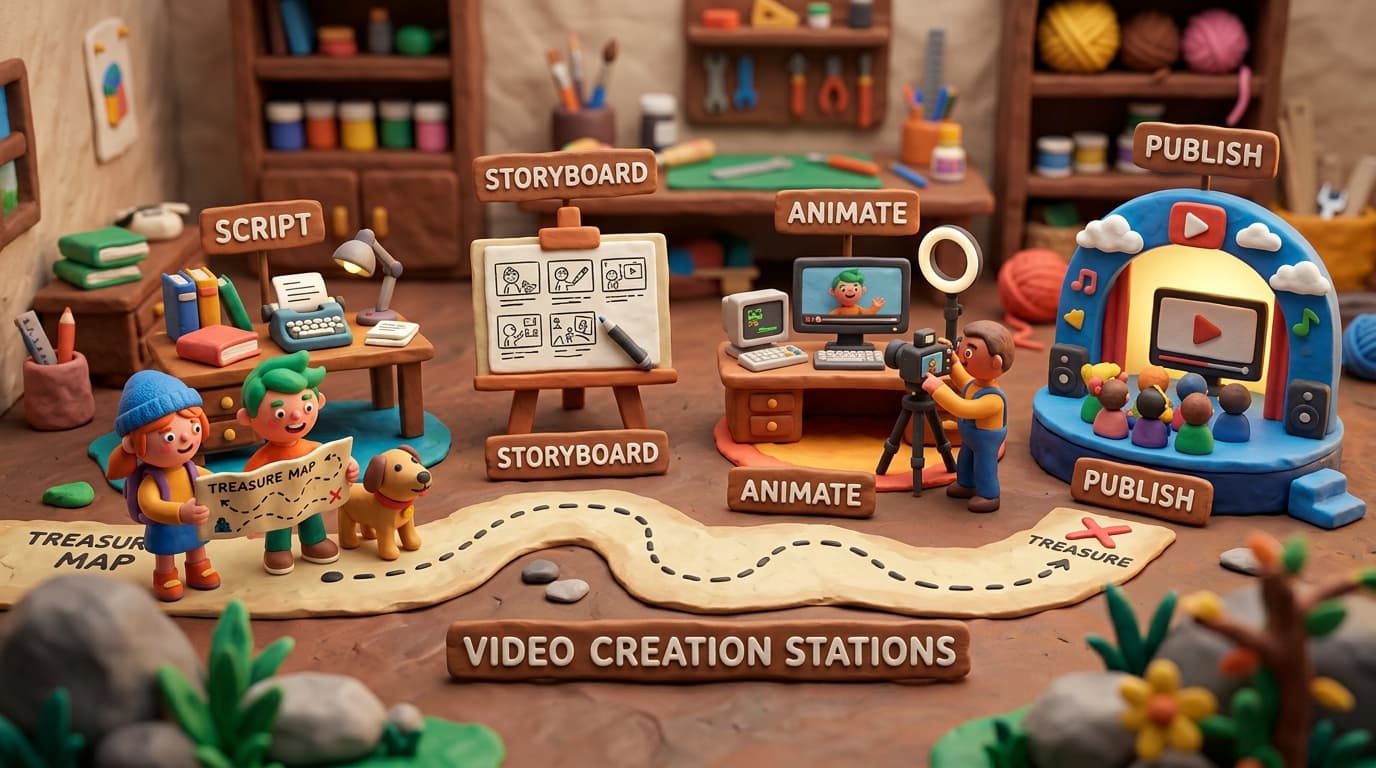
Step 1: Script with accessibility in mind. When writing video scripts, include notes for audio description cues — moments where important visual information should be described. Plan natural pauses where descriptions can be inserted.
Step 2: Generate the video with AI. Whether you are using AI to generate the entire video or just parts of it, the source material is now ready.
Step 3: Auto-generate accessibility layers. Run the completed video through AI tools to produce captions, audio descriptions, and transcript simultaneously. This adds minutes, not hours, to your workflow.
Step 4: Review and refine. A quick human review of captions (5-10 minutes) and audio descriptions (10-15 minutes) catches the small percentage of AI errors. Focus on accuracy of proper nouns, technical terms, and critical data points.
Step 5: Publish with accessible player settings. Ensure your video player supports keyboard navigation, caption toggling, audio description tracks, playback speed control, and screen reader compatibility.
Total added time per video: 20-30 minutes. Compare this to the hours and hundreds of dollars required for manual accessibility production.
Testing and Validating Accessibility
Creating accessible content is only half the job. You need to verify it works for the people it is designed to help.
Automated Testing
- Caption accuracy: Run automated accuracy scoring against the original transcript to catch errors. Target 99%+ accuracy.
- Caption timing: Verify that captions appear and disappear in sync with speech, with a minimum display time of 1.5 seconds per caption frame.
- Audio description coverage: Check that all critical visual information is described within the audio description track.
- Player accessibility: Use automated accessibility scanners (axe, WAVE, Lighthouse) to verify your video player meets WCAG requirements.
Manual Testing
- Screen reader testing. Navigate your video player using only a screen reader (NVDA, JAWS, or VoiceOver) to verify that all controls are labeled and functional.
- Keyboard-only testing. Navigate and control video playback using only a keyboard. Every function must be reachable without a mouse.
- User testing with disabled users. If possible, include people with disabilities in your testing process. Their feedback reveals issues that automated testing cannot detect.
The Business Case for Accessible Video
If the ethical and legal arguments are not enough, the business case is overwhelming:
- Expanded reach: Captions alone increase your potential audience by 7.5% (the global population with disabling hearing loss), plus the 80% of caption users who are hearing.
- Better SEO: Captions and transcripts give search engines text to index, improving your video's search visibility. Pages with transcripts earn 16% more revenue than those without, according to a study by 3Play Media.
- Higher engagement: Videos with captions see 12% longer watch times on average, and 40% higher completion rates on social media.
- Legal protection: Proactive accessibility investment is far cheaper than ADA lawsuits, which average $25,000-$100,000 in settlement costs.
- Brand reputation: 71% of consumers with disabilities will leave a website that is difficult to use. Conversely, brands known for accessibility build loyalty and positive word-of-mouth in a community that is fiercely loyal to companies that serve them well.
Making Every Video Inclusive Starts Today
Accessibility is not a feature you add at the end. It is a standard you set at the beginning. AI has removed the cost and complexity barriers that once made universal video accessibility impractical. There is no longer a trade-off between being inclusive and being efficient — you can be both.
Lychee builds accessibility into the video creation process, generating captions, transcripts, and accessibility-ready formats as part of every video you create. Inclusive content should not require extra effort. It should be the default.
Start creating videos that everyone can experience. Because content that excludes people is not just inaccessible — it is incomplete.