Most marketing teams treat every piece of content as a one-and-done effort. They spend two weeks producing an explainer video, publish it on one platform, and move on to the next project. Meanwhile, that video contains enough raw material to fuel their content calendar for a month. According to a 2026 SEMrush study, 94% of marketers who repurpose content report higher ROI — yet the majority still create from scratch every time.
Video content repurposing is the practice of extracting, reformatting, and redistributing the ideas inside a single video across multiple platforms and formats. With AI tools now handling 70-80% of the mechanical work, the economics have shifted dramatically. This playbook shows you how to build a repurposing system that turns one video into 20+ content pieces without burning out your team.
Why Repurposing Beats Creating From Scratch
The math behind repurposing is straightforward. Producing a single explainer video costs time, creative energy, and budget. Every additional piece of content you extract from that video costs a fraction of the original investment — but reaches an entirely new audience segment on a different platform.
The data backs this up. Content repurposing strategies improve ROI by 32% on average, according to research from Distribution.ai. Companies implementing AI-driven repurposing workflows are cutting production costs by up to 65% while increasing their content output by 40%.
This matters because your audience is fragmented across platforms. The person who watches your two-minute explainer on YouTube may never see your LinkedIn feed. The executive who reads your newsletter will not scroll through your Instagram Reels. Repurposing ensures your core message reaches each audience segment in the format they prefer, on the platform they actually use.
There is a compounding effect as well. When one explainer video becomes a YouTube upload, five social clips, a blog post, an email newsletter, a podcast segment, and a set of quote graphics, the original investment generates returns across seven channels instead of one. Your video marketing budget stretches further, and your brand presence multiplies without proportional effort.
The Shift From Manual to AI-Assisted
Before AI entered the picture, repurposing was labor-intensive. A video editor would manually clip segments, a writer would transcribe and rewrite, a designer would create static assets, and a social media manager would format everything for each platform. The process worked but scaled poorly.
AI tools have collapsed this workflow. Automated transcription, smart clip detection, format-aware resizing, and tone-adjusted rewriting mean that what used to take a team two days now takes one person two hours. The creative decisions — which clips to feature, what angle to take, how to frame the narrative — still require human judgment. But the mechanical execution is largely automated.
The Repurposing Pyramid: A Framework for Maximum Extraction
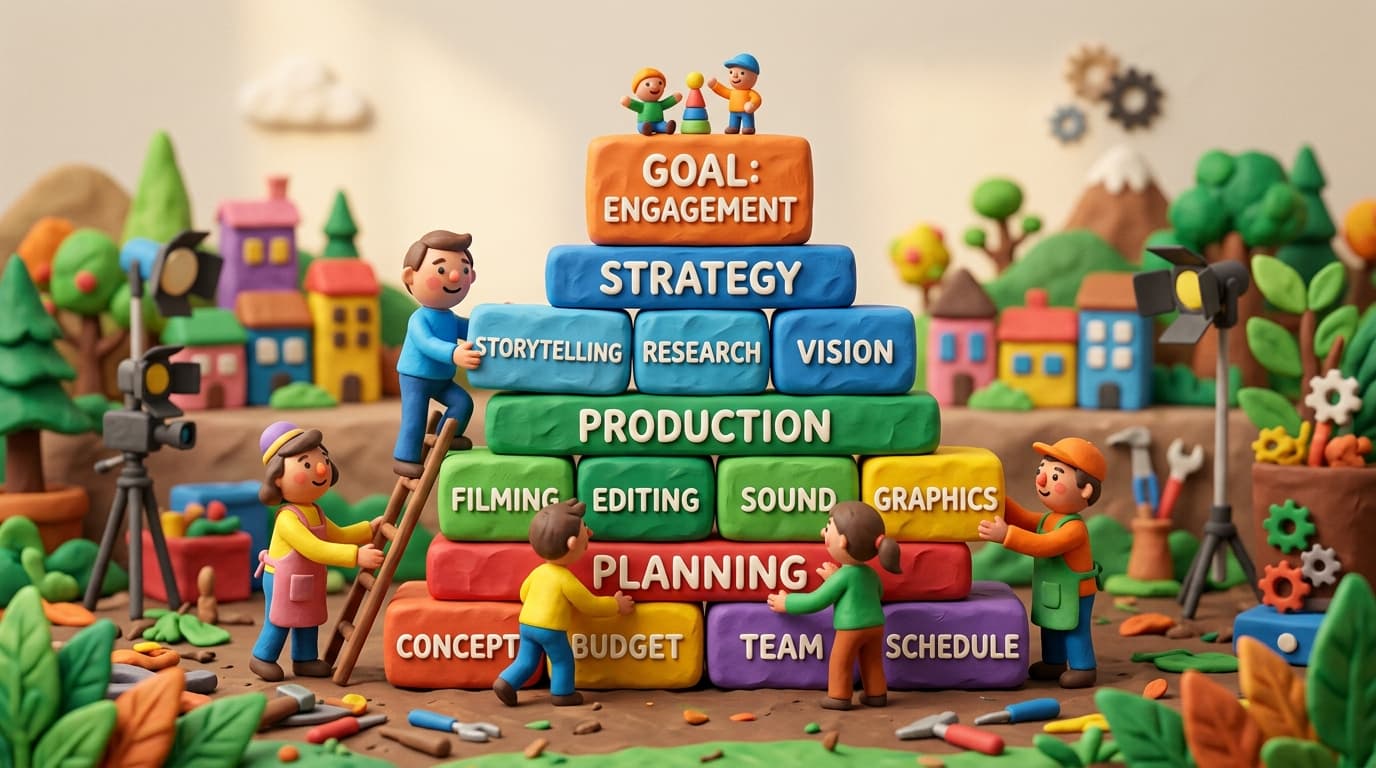
Think of your content strategy as a pyramid. At the top sits your pillar content — the original video. Each layer below represents derivative content that requires progressively less effort to produce.
Tier 1: The Pillar Video
This is your anchor asset. For most teams, it is an explainer video, a product walkthrough, a webinar recording, or a thought leadership interview. The ideal pillar video is 3-10 minutes long, covers a single topic thoroughly, and follows a clear structure with distinct segments.
The quality of your pillar video determines the quality of everything downstream. Invest disproportionate effort here — strong scripting, clear visuals, professional audio. Everything you extract later inherits these production values.
Tier 2: Platform-Native Video Derivatives
From a single pillar video, extract five to eight short-form clips optimized for different platforms. Each clip should be a self-contained idea that makes sense without the full video context.
Vertical clips (15-60 seconds) — Pull the most compelling segments and reformat for TikTok, Instagram Reels, and YouTube Shorts. AI tools can identify high-engagement moments based on pacing, topic shifts, and visual interest. These short-form clips are the highest-ROI content format in 2026, with viewers 2.5 times more likely to watch a short video to completion compared to longer formats.
Square clips (30-90 seconds) — Optimized for LinkedIn and Facebook feeds. Add captions (85% of social video is watched without sound) and a text hook in the first three seconds.
Audiogram clips — Extract audio segments with a waveform visualization for podcast promotion or audio-first platforms. This works especially well for interview-style content.
For a deeper look at platform-specific tactics, see our guide on AI video for social media.
Tier 3: Written and Visual Content
The transcript of your video is a goldmine. With AI-assisted rewriting, a 5-minute video transcript becomes:
A long-form blog post (1,000-2,000 words) — Restructure the transcript into a readable article with headers, examples, and supplementary data. This is the reverse of the blog-to-video pipeline, and the two workflows feed each other: videos become blog posts, and blog posts become new videos.
An email newsletter segment — Distill the core insight into a 200-word summary with a link to the full video. Teams with a video email strategy can embed a GIF thumbnail that links to the hosted video, boosting click-through rates by 200-300%.
Quote graphics and carousel posts — Pull 3-5 key statements from the transcript and design them as standalone image posts. These perform well on LinkedIn and Instagram as educational content.
A Twitter/X thread — Break the video's argument into 5-8 tweet-sized insights, each adding a data point or observation. Thread the narrative so each tweet works both standalone and as part of the sequence.
Tier 4: Micro-Content and Metadata
The final layer involves the smallest but often most underrated content atoms:
- SEO-optimized video descriptions for YouTube and Vimeo
- Timestamped chapter markers that improve watch time and discoverability
- Pull quotes for sales decks and one-pagers
- FAQ entries derived from questions addressed in the video
- Internal documentation repurposed from product explainers
Building Your Repurposing Workflow in Five Steps
Step 1: Script With Repurposing in Mind
The highest-leverage intervention happens before you hit record. Structure your script around modular segments — each section should be a standalone idea that works as an independent clip. Mark your script with planned extraction points: "This 45-second segment becomes a LinkedIn clip." "This analogy becomes a quote graphic."
Use clear transitions between segments so AI clip-detection tools can identify natural break points. Avoid long, winding arguments that only make sense in full context. Instead, make each section deliver a complete thought.
Step 2: Produce the Pillar Video
Record and edit your anchor video with repurposing in mind. Shoot in the highest resolution your workflow supports — you can always downscale, but you cannot upscale. Record audio separately if possible; clean audio makes transcription more accurate and audiogram extraction more viable.
If you are creating animated explainers, tools like Lychee can produce the pillar video from a script, giving you a polished starting point with consistent visual quality across all derivative clips.
Step 3: Extract and Transform
This is where AI handles the heavy lifting:
Transcription and summarization — Run your video through an AI transcription service. Use the transcript to generate a summary, a blog draft, and a set of key quotes. Modern transcription tools achieve 95%+ accuracy and can distinguish between multiple speakers.
Smart clip detection — AI analyzes your video for segments with high information density, emotional peaks, or visual transitions. It suggests clip boundaries and can auto-generate captions in multiple languages.
Format adaptation — Automatically resize video for vertical (9:16), square (1:1), and horizontal (16:9) formats. AI-powered reframing keeps the subject centered regardless of aspect ratio.
Step 4: Customize for Each Channel
Automated extraction gets you 80% of the way there. The remaining 20% — and the difference between content that performs and content that gets scrolled past — is platform-specific customization.
Each platform has its own conventions:
| Platform | Hook Window | Ideal Length | Key Feature | |---|---|---|---| | YouTube Shorts | 1 second | 30-60s | End screen, subscribe CTA | | Instagram Reels | 0.5 seconds | 15-30s | Trending audio, hashtags | | TikTok | 0.3 seconds | 15-60s | Text overlay, duet-friendly | | LinkedIn | 3 seconds | 30-90s | Captions, professional framing | | Twitter/X | 2 seconds | 15-45s | Conversation starter hook |
Adjust the first three seconds of each clip for the platform's hook window. On TikTok, you have 0.3 seconds before someone scrolls — lead with motion or a provocative statement. On LinkedIn, you have a slightly more generous three seconds, so you can open with a data point or a question.
Step 5: Schedule and Distribute Strategically
Do not publish all repurposed content simultaneously. Space your derivatives across your content calendar:
Week 1: Publish the pillar video on YouTube. Share the announcement on LinkedIn and Twitter.
Week 2: Release the first batch of short-form clips (one per platform per day). Publish the blog post.
Week 3: Send the email newsletter featuring the video. Post quote graphics and carousel content.
Week 4: Share the behind-the-scenes clip or a "lessons learned" follow-up. Repurpose high-performing clips with updated hooks.
This cadence ensures your audience encounters the same core message multiple times in different formats — reinforcing retention without feeling repetitive.
Measuring Repurposing ROI
The whole point of repurposing is efficiency, so measure it accordingly. Track these metrics across your content ecosystem:
Content multiplication ratio — How many derivative pieces did one pillar video produce? Aim for 15-25x.
Cost per content piece — Divide total production cost (pillar + repurposing labor) by the number of published pieces. This should decrease by 50-65% compared to creating each piece individually.
Cross-channel reach — Total unique impressions across all platforms from one pillar video's derivatives. Compare this to publishing the pillar video alone.
Time to publish — Measure the gap between pillar video completion and having all derivative content live. With an AI-assisted workflow, this should shrink to 2-3 days.
Engagement by derivative type — Track which formats (short clips, blog posts, quote graphics) generate the most engagement relative to effort. Double down on what works and cut what does not.
Common Repurposing Mistakes to Avoid
Publishing identical content everywhere. Repurposing is not cross-posting. A LinkedIn audience expects different framing than a TikTok audience. Same message, different packaging.
Ignoring audio quality in clips. Viewers will tolerate imperfect visuals but abandon content with poor audio within seconds. Ensure every extracted clip has clean, normalized audio.
Repurposing without a content calendar. Uncoordinated publishing leads to audience fatigue. If someone follows you on three platforms and sees the same clip formatted three ways on the same day, it feels lazy rather than strategic.
Skipping the customization step. AI-generated clips still need human review. Check that auto-captions are accurate, that reframing did not crop important visuals, and that each clip has a strong opening hook for its target platform.
Over-extracting from weak pillar content. If the original video is unfocused or poorly structured, no amount of repurposing will save it. Better to produce fewer, stronger pillar videos than to extract maximum clips from mediocre source material.
The Repurposing Flywheel
The real power of repurposing emerges over time. As you publish derivative content across platforms, you generate data on what topics, formats, and hooks resonate with each audience segment. That data informs your next pillar video, which produces better derivatives, which generate better data.
After three to four cycles, you will know exactly which segments of your explainer videos produce the highest-performing LinkedIn clips, which data points make the best quote graphics, and which narrative structures translate best to blog posts. Your repurposing system gets smarter and more efficient with every iteration.
Video content repurposing is not about doing more work — it is about extracting more value from the work you have already done. With AI handling the mechanical extraction and formatting, the creative cost of reaching your audience on every platform has dropped to near zero. The teams that build this system now will compound their content advantage through 2026 and beyond.